Create your online invitation
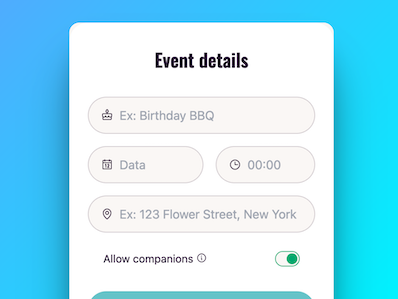
Event name, location and date
84
countries impacted
950,477
confirmations
136,078
events created
How it works?
Event name, location and date
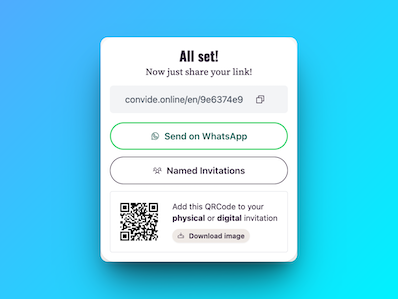
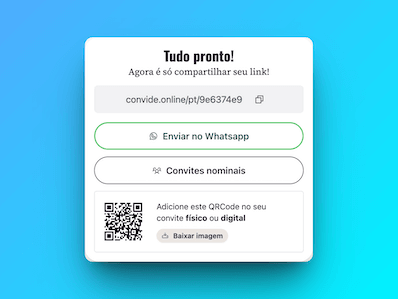
Send the link on WhatsApp or wherever you want
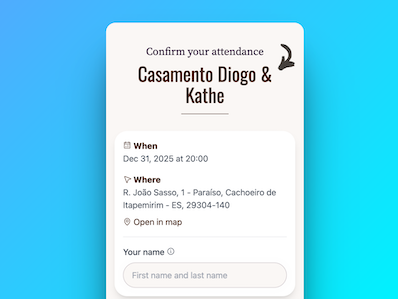
Get RSVP responses easily with a simple attendee list.
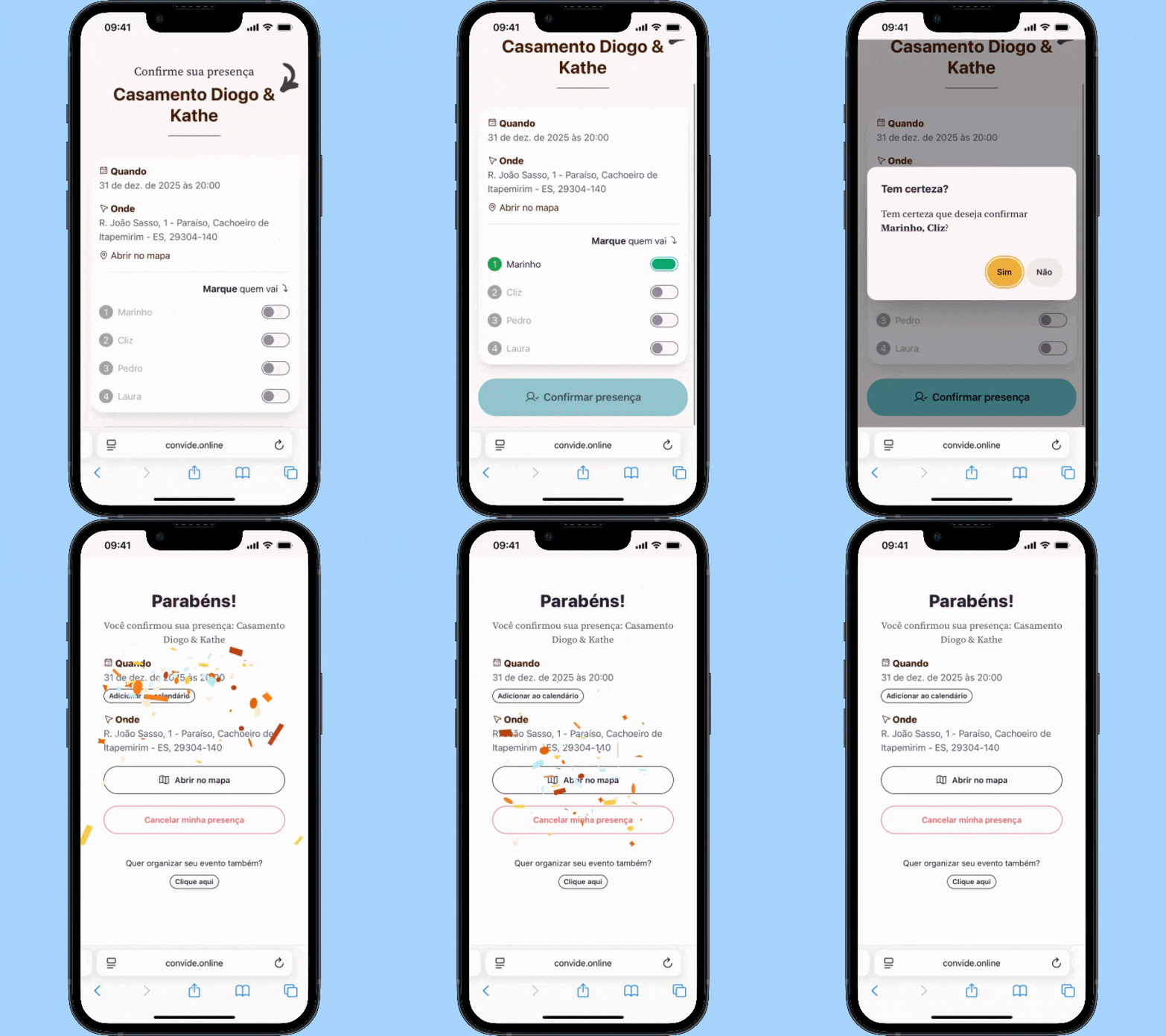
Select the event type, create your link and share with your friends and family.
Everything you need to organize your perfect event

The easiest and most personalized way to invite your guests.

Share via WhatsApp, social media, email, or SMS.

Intelligent system that prevents duplicates and ensures accuracy.

Print your QR Code on the physical invitation for quick confirmation.

Add your direct link to Canva art easily.

Receive gifts directly to your account. Multiple payment methods. No commissions.

Download your guest list in PDF, ordered for review.

Manage the presence of companions simply and efficiently.
Using Convide Online made organizing my party much simpler, I didn't have to worry about the guest list because it built itself, and the guests also loved it because they had access to all the information in one place!

Anna Clara Gomes Carmino
+ 136.000 events created
Using Convide Online made organizing my party much simpler, I didn't have to worry about the guest list because it built itself, and the guests also loved it because they had access to all the information in one place!
Anna Clara Gomes Carmino
+ 136.000 events created
There are many websites that offer this RSVP functionality. Convide Online is an option if you are looking for a simple site to confirm attendance for your wedding, birthday, baby shower, and others, which offers powerful control tools such as named invitations, tracking who has already confirmed, and other specialized features. This way, your guests respond via mobile in seconds, and you track everything in real-time.
Basically you create a link and share it with the people you want to confirm attendance at your event. You can send it directly via WhatsApp without much effort.
Yes, you can create events with up to 20 confirmed guests, if you exceed this number, you can unlock by choosing a new limit:
Because it's laborious, bad to use on mobile, and hard to manage, when we're throwing a party we need to closely monitor the number of people who will attend as this influences costs for drinks, tables, food, favors, etc.
Yes, you can generate a list of your guests in PDF at any time within the system.
Just fill in the address courectly and when confirming attendance, your guest will be able to view it on Google Maps.
There are no limits on the type of event, but you can manage:
Yes, when creating an event you can choose whether to allow companions or not for your guests who will receive the link.
You can create a gift list for your event with multiple payment methods worldwide. Optional add-on with no commission per gift — guests pay you directly with no middleman.
It's hard to manage, guests may not use WhatsApp regularly or you may end up having problems making your confirmation list publicly in a WhatsApp group.